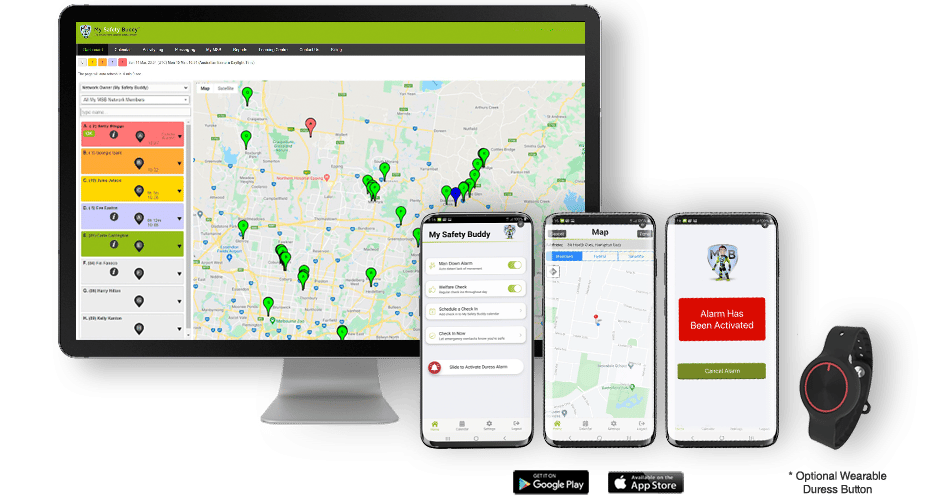
My Safety Buddy Smartphone App, Web Portal, and Wearable Duress Button

Get Started

Contact us today to get
your first 30 days FREE!

My Safety Buddy Smartphone App, Web Portal, and Wearable Duress Button

Ready To Get Started

Sign up today to get
your first 30 days FREE!

Choosing Your My Safety Buddy Plan

Tailor My Safety Buddy to meet your specific safety, operational, and budget needs.

Choose the monitoring option, add-ons, and subscription term that work for you.

1. See The Included Features See the included functionality that comes with every My Safety Buddy plan.
2. Choose Your Monitoring Decide between DIY Monitoring and MSB 24/7 Monitoring.
3. Choose Your Add-Ons Optional enhancements of the Pro Pack, wearable Duress Buttons, and Enterprise Solutions.
4. Choose Your Subscription Term Choose from monthly, 1 year, and 2 year subscriptions, with discounts for longer terms.
5. Get Started Contact My Safety Buddy to take the next steps to protect your workforce.

1. See The Included Features.

Packed with value, see the essential safety features that come with My Safety Buddy.

CORE SAFETY FEATURES
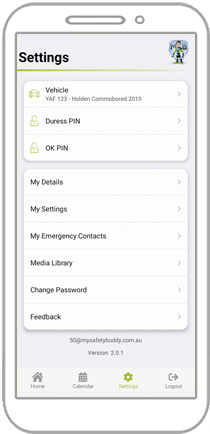
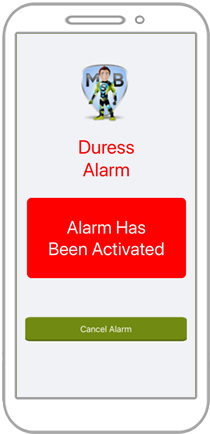
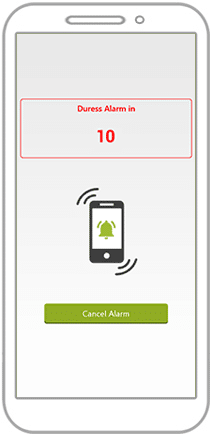
Emergency Duress Alarm Activate the Duress Alarm by shaking your phone, pressing the optional wearable Duress Button, tapping the button on the home screen, or entering your Duress PIN to activate a silent Duress Alarm.
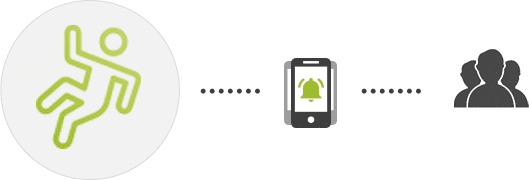
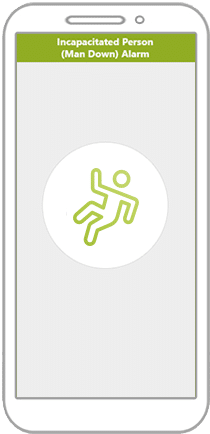
Man-Down Alarm Automatically detects a lack of movement and checks if the user is OK, ensuring a rapid response if a worker becomes incapacitated.
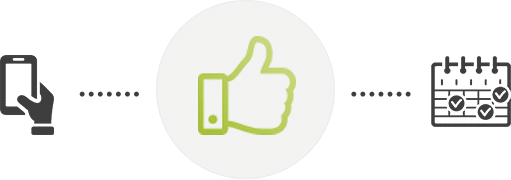
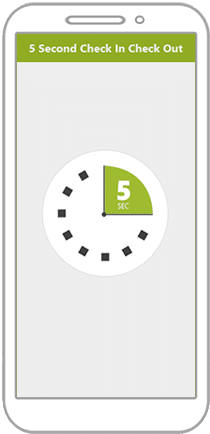
Check Ins Schedule Check Ins for higher risk activities to confirm users are safe during potentially hazardous tasks.
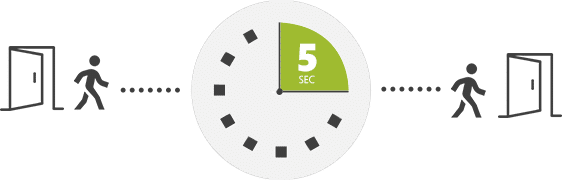
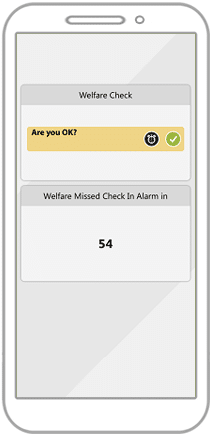
Welfare Checks Set automatic Welfare Checks at intervals (for example, every 1 or 2 hours) to monitor safety throughout the day.
I Am OK Now Send an instant “I Am OK” notification at any time to confirm safety outside of scheduled Checks Ins.
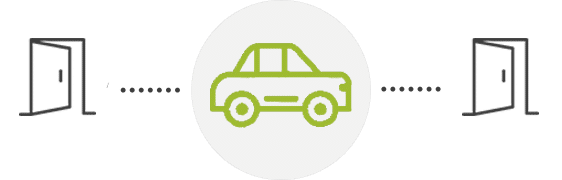
Journey Monitoring Monitor travel to manage driver fatigue and ensure safety throughout longer journeys.
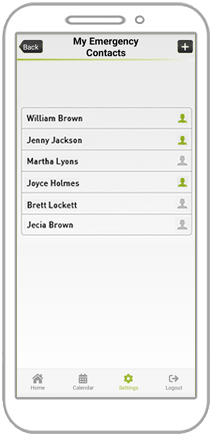
Multiple Emergency Contacts Add as many Emergency Contacts as you need so the right people are always notified in an emergency.
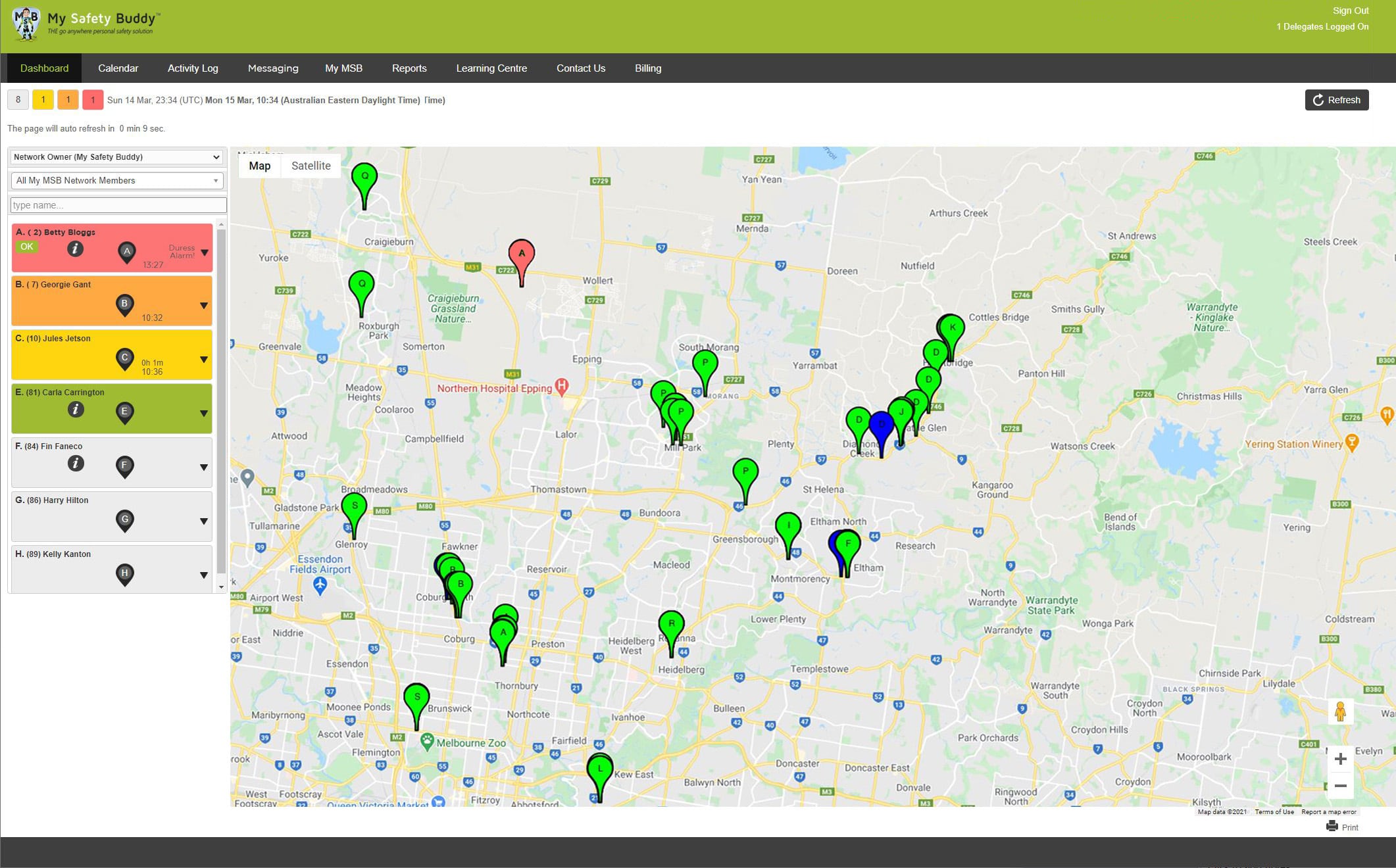
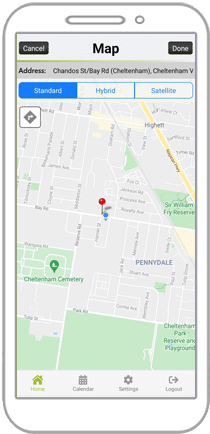
GPS Location GPS locations are displayed on the Web Portal Dashboard. Users can choose to share location updates continuously, only when an alarm is triggered, or not at all.
Network Coverage User-activated, device-activated and server-activated alarms provide a safety net even in areas where mobile coverage can be problematic.
CONFIGURATION & MANAGEMENT TOOLS
Fully Customisable Adapt My Safety Buddy to your organisation’s needs by customising settings, alerts, and responses.
Individual User Accounts Secure logins for each user support best-practice user identification, account security, WHS/ICT compliance, and improve response accuracy and speed.
Shared User Accounts PRO PACK ONLY.
See the Pro Pack below for details.
Choose Functionality Administrators can simplify the user experience by hiding unused features within the app.
Lock User Settings Administrators can lock user settings to control how My Safety Buddy is configured and used across teams.
SMS Broadcasts PRO PACK ONLY.
See the Pro Pack below for details.
User Groups Group users by team, department, or region for simpler user management, reporting, and billing.
Invoice by User Group Optionally receive separate invoices for each User Group to simplify cost allocation across departments.
Minimum of 3 Users All plans are billed for a minimum of three users. You can register fewer users if needed and still enjoy full access to all features.
Master and Child Accounts Suitable for larger organisations, this optional structure enables the Master Account to oversee multiple Child Accounts (for example, by state or region) providing unified visibility while allowing local management and billing control.
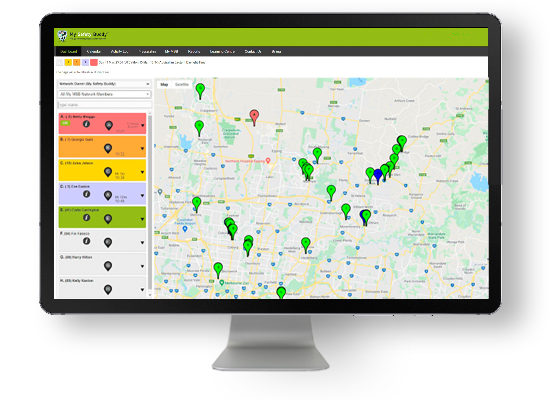
Web Portal and Dashboard The easy-to-use Web Portal and Dashboard give you full visibility of users, streamlined management tools, and the ability to respond quickly and effectively to emergencies.
The Web Portal can be accessed from any device with an internet browser.
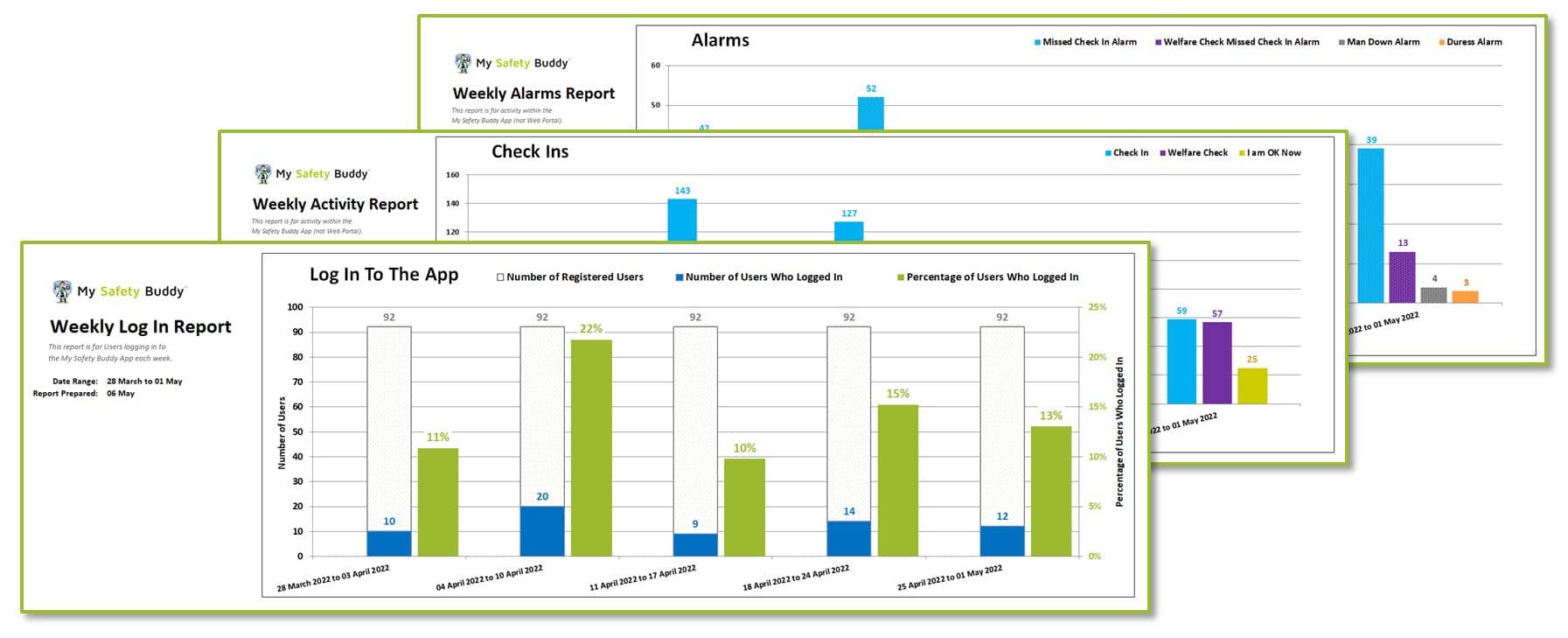
Login and Activity Reports Comprehensive reporting on logins and user activity so you can track engagement and compliance.
Co-brand With Your Logo Add your organisation’s logo to customise the My Safety Buddy App for a professional, branded user experience.
SECURITY & DATA PROTECTION
Account Security Your account is protected by 256-bit AES encryption to ensure all data and communications remain secure.
Multi-Factor Authentication (MFA) Add an extra layer of protection with optional MFA for stronger account security.
Complex Passwords Optionally enforce complex password requirements to strengthen account security across all users.
Single Sign-On (SSO) PRO PACK ONLY.
See the Pro Pack below for details.
Data Stored in Australia All data is securely hosted in Australia, ensuring compliance with Australian data sovereignty and privacy laws.
GETTING STARTED
First 30 Days Free Try My Safety Buddy with full functionality free for the first 30 days. You can cancel anytime. No strings attached.
Full App Functionality All of these safety features are included to keep your team safe.
SUPPORT
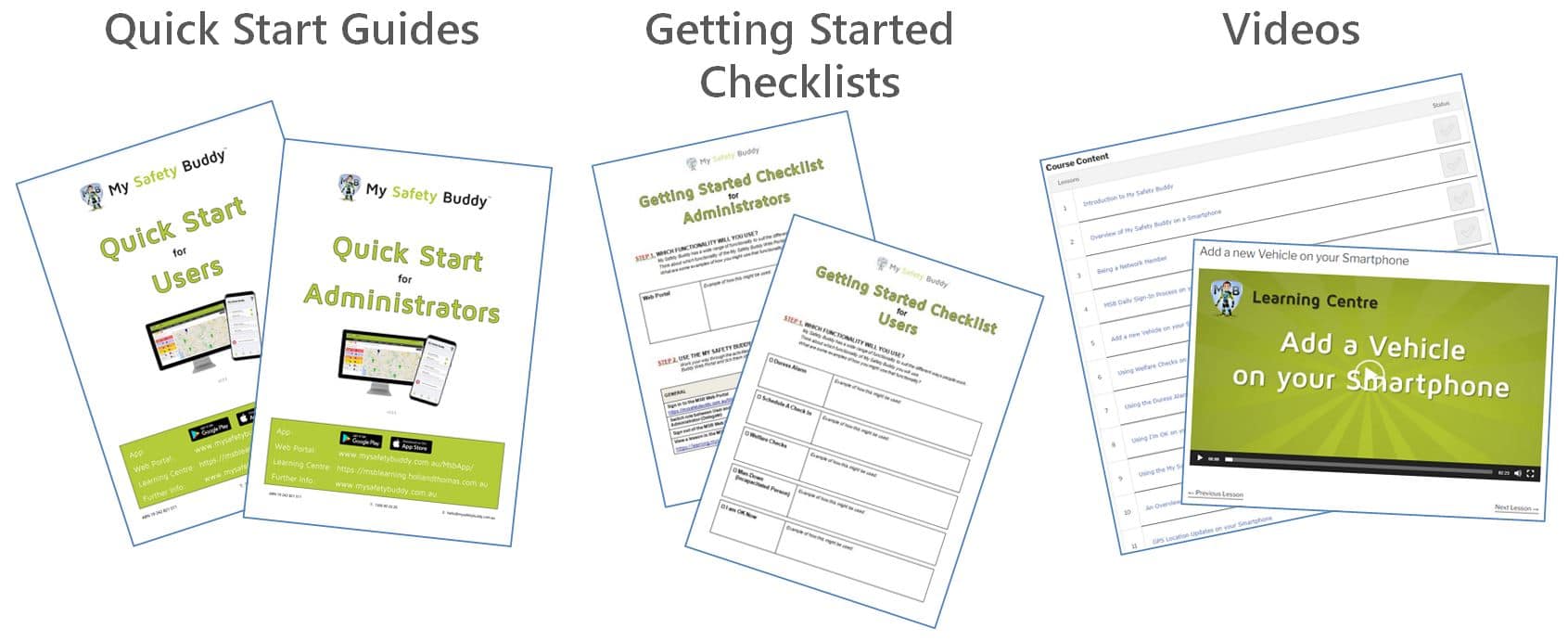
Self-Help Resources Built-in “Help” links throughout the app; and access to the Learning Centre with short feature videos, Getting Started Checklists, Quick Start Guides, and FAQs for users and administrators.
Setup Support Guided setup assistance to help you create your My Safety Buddy account and start using the system quickly.
Response Flowcharts Sample response flowcharts to help you define and document the procedures your team should follow when an alarm is activated.
Bulk User Setup Support to set up larger numbers of users quickly and efficiently.
Dedicated Account Management PRO PACK ONLY. Personalised assistance to help you get the most out of My Safety Buddy.
Australian-based Ongoing Support Friendly, knowledgeable support from our Australian-based Support Team whenever you need assistance.
AUSTRALIAN OWNED
Australian Owned Proudly Australian-owned and operated, supporting Australian businesses and local communities.

2. Choose Your Monitoring.

My Safety Buddy offers you the flexibility to choose who receives your alarms.

DIY MONITORING

Alarms go to your
INTERNAL EMERGENCY CONTACTS

Suited to teams with their own internal response capability, where staff use My Safety Buddy during business hours.

MSB 24/7 MONITORING

Alarms go to the
MSB 24/7 GRADE A1 MONITORING SERVICE

Suited to teams needing a guaranteed response, and for staff who use My Safety Buddy outside of business hours.

2. Choose Your Monitoring.

My Safety Buddy offers you the flexibility to choose who receives your alarms.

DIY MONITORING

Alarms go to your
INTERNAL EMERGENCY CONTACTS

Suited to teams with their own internal response capability, where staff use My Safety Buddy during business hours.

MSB 24/7 MONITORING

Alarms go to the
MSB 24/7 GRADE A1 MONITORING SERVICE

Suited to teams needing a guaranteed response, and for staff who use My Safety Buddy outside of business hours.

2. Choose Your Monitoring.

My Safety Buddy offers you the flexibility to choose who receives your alarms.

DIY MONITORING
Alarms go to your
Internal Emergency Contacts
Suited to teams with their own internal response capability, where staff use My Safety Buddy during business hours.
MSB 24/7 MONITORING
Alarms go to the
MSB 24/7 Grade A1 Monitoring Service.
Suited to teams needing a guaranteed response, and for staff who use My Safety Buddy outside of business hours.

2. Choose Your Monitoring.

My Safety Buddy offers you the flexibility to choose who receives your alarms.

Need both types of monitoring? Talk to My Safety Buddy today.

DIY Monitoring

Emergency Alarms are sent to your internal Emergency Contacts such as team leaders.

Suitable for teams with their own internal response capability, where staff use My Safety Buddy during standard business hours.

MSB 24/7 Monitoring

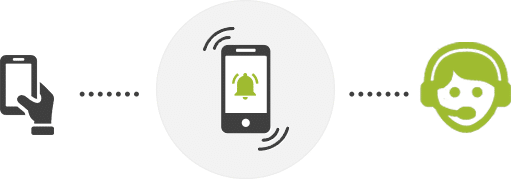
Emergency Alarms are sent to My Safety Buddy’s 24/7 Grade A1 Monitoring Service.

Suitable for teams needing a professional, guaranteed response, and for staff who use My Safety Buddy outside of business hours.

3. Choose Your Add-Ons.

Add extra functionality to enhance safety and tailor My Safety Buddy to your needs.

PRO PACK
Single Sign-On (SSO) Optional integration with Microsoft Active Directory and Entra ID that lets users log in with their existing work accounts for simpler access management.
Shared User Accounts For rotating teams, simplify access with a shared account everyone can use safely; removing the need to create separate user profiles.
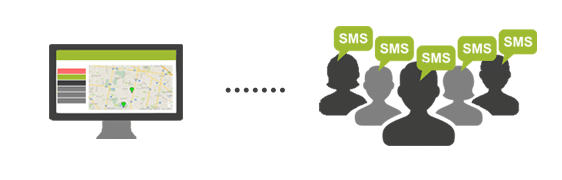
SMS Broadcasts Easily send messages by SMS from the My Safety Buddy Web Portal to groups of users during critical events.
Dedicated Account Management Personalised assistance to help you get the most out of My Safety Buddy.
Implementation Support Personalised guidance to help you configure, tailor, and roll out My Safety Buddy across your organisation.
Premium Ongoing Support Priority access to our Australian-based support team.
PRO PACK
Single Sign-On (SSO) Optional integration with Microsoft Active Directory and Entra ID that lets users log in with their existing work accounts for simpler access management.
Shared User Accounts For rotating teams, simplify access with a shared account everyone can use safely; removing the need to create separate user profiles.
SMS Broadcasts Easily send messages by SMS from the My Safety Buddy Web Portal to groups of users during critical events.
Dedicated Account Management Personalised assistance to help you get the most out of My Safety Buddy.
Implementation Support Personalised guidance to help you configure, tailor, and roll out My Safety Buddy across your organisation.
Premium Ongoing Support Priority access to our Australian-based support team.
WEARABLE DURESS BUTTONS
Wearable Duress Buttons
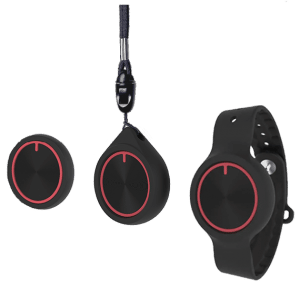
Waterproof (IP66) and versatile, the wearable Duress Button can be worn on the wrist, around the neck as a pendant, or carried in a pocket.

With a simple press of the Duress Button, the Duress Alarm is instantly sent through the app. They are ideal for anyone needing a discreet, easy way to access help.
DURESS BUTTONS
Wearable Duress Buttons
The wearable Duress Buttons provide a discreet, easy way to trigger the Duress Alarm.They can be carried discreetly in a pocket, worn on the wrist, or around the neck as a pendant.
ENTERPRISE SOLUTIONS
Enterprise Solutions
Tailored, scalable Enterprise Solutions are available for larger organisations with complex safety, compliance, and integration needs.
ENTERPRISE SOLUTIONS
Enterprise Solutions
Tailored, scalable Enterprise Solutions are available for larger organisations with complex safety, compliance, and integration needs.
ENTERPRISE SOLUTIONS
Enterprise Solutions
Tailored, scalable Enterprise Solutions are available for larger organisations with complex safety, compliance, and integration needs.

4. Choose Your Subscription Term.

Select the subscription term that suits your organisation.

MONTHLY
Maximum Flexibility
1 YEAR
Get Annual Discounts
2 YEARS
Get Deeper Discounts

5. Get Started.

Take the next step to protect your workforce and streamline your safety compliance.

5. Get Started.

Take the next step to protect your workforce and streamline your safety compliance.

Not Sure Which Plan Will Suit You Best?

Do you have some questions? A chat with our team will help.

Not Sure Which Plan
Will Suit You Best?

Do you have some questions?

Would you like a demo?

A chat with our team will help.

Not Sure Which
Plan Will Suit You?

Do you have some questions?

Would you like a demo?

A chat with our team will help.

Get Home Safe Each And Every Day

YOUR FIRST 30 DAYS ARE FREE. Cancel anytime. No strings attached.
Get Home Safe Each And Every Day

YOUR FIRST 30 DAYS ARE FREE.

Cancel anytime. No strings attached.
Get Home Safe
Each And Every Day

YOUR FIRST 30 DAYS ARE FREE.

Cancel anytime.

No strings attached.